

WhatsApp Business Automation for Indian SMEs: A Complete Guide to Setup, Cost and Use Cases
November 05, 2026
Small and medium-sized enterprises (SMEs) in India increasingly depend on WhatsApp to communicate with customers, share product details, answer enquiries and manage orders. From clothing retailers and wholesalers to educational institutes, service providers and local manufacturers, WhatsApp has become an important business communication channel.
However, handling hundreds of customer messages manually can consume valuable time. Delayed responses, missed enquiries, repeated questions and unorganised conversations can affect customer experience and sales opportunities. This is where WhatsApp Business Automation for Indian SMEs becomes useful.
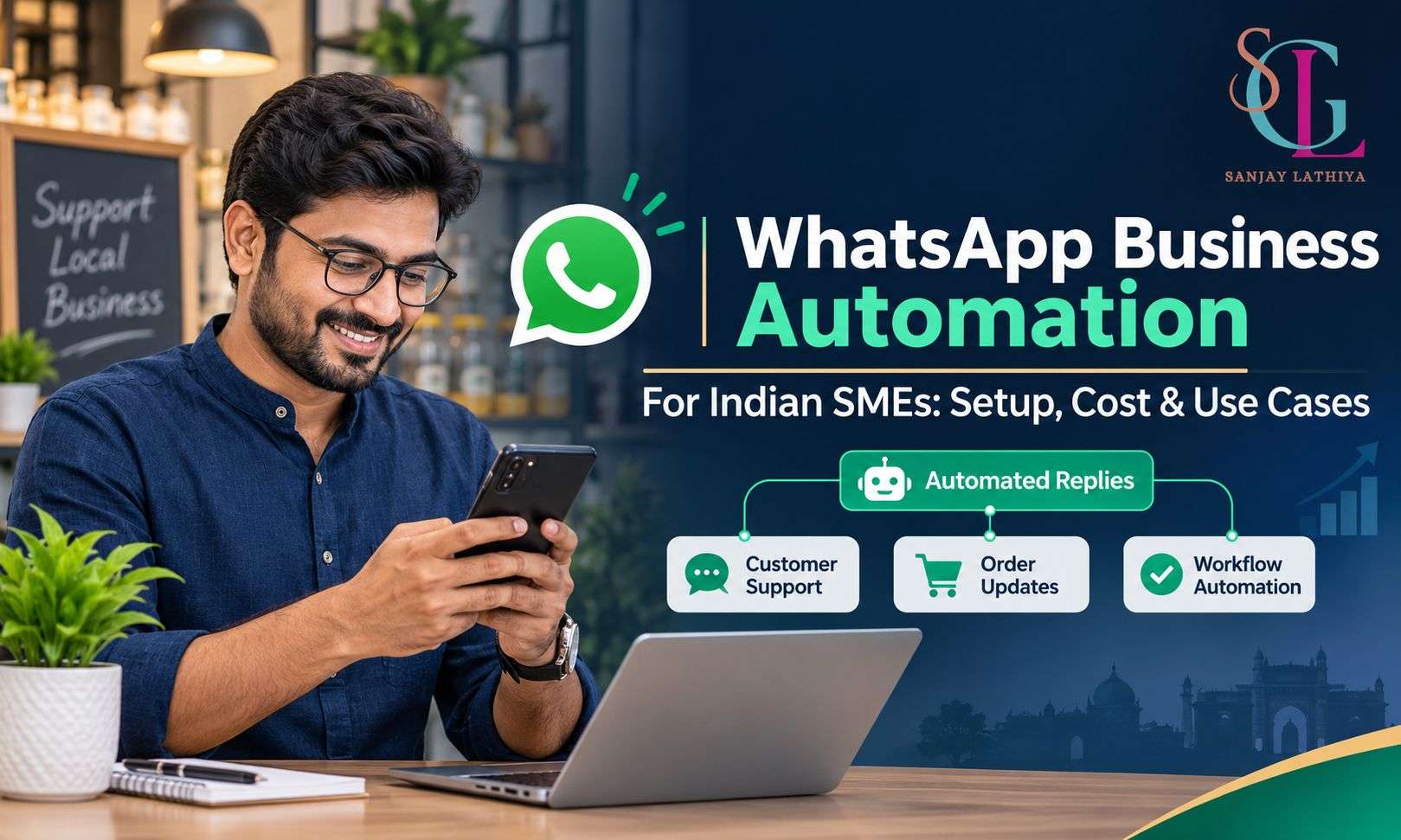
WhatsApp automation helps businesses manage routine conversations, provide instant responses, share important updates and organise customer interactions. This guide explains its features, setup process, costs and practical applications for Indian SMEs.
What Is WhatsApp Business Automation?
WhatsApp Business automation refers to using built-in messaging tools, software integrations or the WhatsApp Business Platform to handle repetitive customer communication automatically.
Instead of manually responding to every message, businesses can configure automated workflows for common activities such as:
-
Sending welcome messages to new customers.
-
Answering frequently asked questions.
-
Sharing product catalogues and service information.
-
Sending order confirmations and delivery updates.
-
Collecting customer details and enquiries.
-
Routing conversations to the appropriate team member.
There are two primary options: the free WhatsApp Business App and the WhatsApp Business Platform (API).
The WhatsApp Business App is suitable for smaller businesses that need basic automation. The Business Platform supports advanced integrations, automated workflows, multiple agents and larger communication operations.
Why Do Indian SMEs Need WhatsApp Automation?
Indian SMEs often operate with limited staff and resources. Business owners may handle sales, customer service, inventory and marketing simultaneously. Managing every customer conversation manually becomes difficult as enquiry volumes increase.
Automation addresses several operational challenges.
1. Faster Customer Responses
Automated greetings and instant replies acknowledge customer enquiries even when employees are unavailable. Customers receive immediate information instead of waiting for someone to respond.
2. Better Lead Management
Businesses can collect customer names, requirements, locations and product preferences through structured conversations. This makes it easier to identify genuine enquiries and follow up.
3. Reduced Repetitive Work
Questions about pricing, business hours, product availability, delivery charges and payment methods can be answered using predefined responses.
4. Improved Order Communication
Automated order confirmations, payment notifications and shipping updates help customers stay informed throughout the purchasing process.
5. Consistent Customer Experience
Standardised responses ensure that customers receive accurate business information regardless of which employee handles the conversation.
WhatsApp Business Automation Features for SMEs
The available features depend on the WhatsApp solution a business chooses.
1. Automated Greeting Messages
Greeting messages automatically welcome customers when they initiate a conversation with a business.
For example, a clothing retailer can send:
"Hello! Welcome to our store. Thank you for contacting us. Please let us know which products you are interested in, and our team will assist you."
This creates a professional first impression and acknowledges new enquiries.
2. Away Messages
Away messages inform customers when a business is unavailable. Businesses can configure schedules to send these messages outside working hours.
For example:
"Thank you for contacting us. Our business hours are 10 AM to 8 PM. We will respond to your enquiry during working hours."
3. Quick Replies and Frequently Asked Questions
Quick replies allow businesses to save frequently used messages and send them using shortcuts. These are useful for answering common questions about pricing, payment methods, delivery policies and product specifications.
4. Automated Order Updates
Using the WhatsApp Business Platform, businesses can connect their ordering systems with messaging workflows. Customers can receive order confirmations, payment notifications, dispatch information and delivery updates.
5. Customer Segmentation
Labels and integrated customer management systems help businesses organise conversations according to different categories, such as new enquiries, pending orders, payments received and repeat customers.
6. Chatbot and AI-Based Responses
Advanced automation can use predefined conversation flows or AI-powered systems to answer customer questions, recommend products and collect lead information. Responses should be based on accurate business information, with an option to connect customers to a human representative when necessary.
How to Set Up WhatsApp Business Automation in India
Businesses can begin with basic automation and gradually introduce advanced systems as their communication requirements grow.
Step 1: Download and Register WhatsApp Business
Install the official WhatsApp Business App and register a business phone number. Complete the business profile with the company name, description, address, website, email and operating hours.
Step 2: Configure Basic Automated Messages
Open the business tools section and activate greeting messages and away messages. Write short, helpful responses that reflect your business communication style.
Step 3: Create Quick Replies
Identify the questions customers ask most frequently. Prepare saved responses for product details, pricing, shipping, payment options and return policies.
Step 4: Build a Product Catalogue
Add product photographs, names, descriptions and prices to your catalogue. This helps customers explore available products directly through WhatsApp.
Step 5: Choose Advanced Automation if Required
Businesses handling larger enquiry volumes can explore the WhatsApp Business Platform through Meta or an authorised Business Solution Provider. Connect the platform with a suitable CRM, chatbot or order management system.
Step 6: Test and Monitor the Workflow
Test automated responses, customer journeys and message delivery before making the system available to all customers. Review response quality regularly and ensure that customers can reach a human representative.
WhatsApp Business Automation Cost in India
The cost of automation depends on the solution, business requirements, message volume and integrations.
|
Solution |
Cost structure |
|---|---|
|
WhatsApp Business App |
Free to download and use |
|
Basic automated messages |
Included in the app |
|
Chatbot software |
Depends on the provider and plan |
|
WhatsApp Business Platform |
Meta messaging charges plus applicable provider fees |
|
CRM integration |
Depends on software and integration requirements |
For the WhatsApp Business Platform, Meta uses category-based pricing for messages delivered to customers. As per the rate card effective 1 October 2026, the listed rates for Indian numbers are approximately:
|
Message category |
Rate per delivered message |
|---|---|
|
Marketing |
₹0.8631 |
|
Utility |
₹0.115 |
|
Authentication |
₹0.115 |
|
Service |
₹0.115 after the applicable free allowance |
These are Meta's listed rates before applicable taxes and additional provider charges. The first 1,000 service messages per business phone number each month are free under the applicable pricing rules. Pricing can change, so businesses should verify the latest rate card before budgeting.
WayCRM+2For accurate budgeting, SMEs should consider monthly software subscriptions, integration charges, message categories, message volume and maintenance costs rather than looking only at the per-message rate.
Practical Use Cases of WhatsApp Automation for Indian SMEs
Different industries can use automation according to their daily business operations.
1. Textile Manufacturers and Wholesalers
Textile manufacturers and wholesalers receive enquiries about fabric designs, wholesale prices, minimum order quantities, colour availability and shipping.
Automation can help them:
-
Share digital product catalogues.
-
Collect retailer and distributor enquiries.
-
Provide wholesale pricing information.
-
Send new collection announcements.
-
Share order and dispatch updates.
2. Retail Stores and E-commerce Businesses
Retailers can use automated conversations to answer product questions, share available sizes and colours, confirm purchases and provide delivery information.
For example, a clothing retailer can create a conversation flow that asks customers about their preferred category, size and budget before connecting them with a sales representative.
3. Educational Institutes
Schools, coaching centres and training institutes can automate admission enquiries, course information, fee details, application reminders and appointment scheduling.
This helps administrative teams manage enquiries during admission periods.
4. Real Estate Businesses
Real estate agencies can collect information about property requirements, preferred locations, budgets and property types. Automated responses can share brochures, schedule site visits and forward qualified leads to sales representatives.
5. Service-Based Businesses
Salons, repair services, consultants and other service providers can automate appointment confirmations, booking reminders, service information and customer feedback requests.
Best Practices for Implementing WhatsApp Automation
Successful automation requires more than installing software. Businesses should follow a structured approach to ensure that customer communication remains useful and professional.
-
Keep messages simple: Use clear language and avoid unnecessarily long automated responses.
-
Provide human support: Allow customers to connect with a real representative whenever automation cannot resolve their queries.
-
Maintain customer consent: Obtain appropriate permission before sending promotional messages and respect opt-out requests.
-
Use relevant templates: Keep promotional, transactional and service messages aligned with their intended purposes.
-
Review performance: Monitor response times, unresolved enquiries, customer engagement and conversion rates.
-
Protect customer information: Use authorised platforms and follow applicable privacy and data protection requirements.
Frequently Asked Questions (FAQs)
1. Is WhatsApp Business automation free in India?
Basic automation features, including greeting messages, away messages and quick replies, are available free through the WhatsApp Business App. Advanced automation through the Business Platform may involve Meta messaging charges and third-party software fees.
2. Can small businesses use WhatsApp automation without coding?
Yes. The WhatsApp Business App offers built-in automated messaging tools that do not require coding. Many third-party chatbot platforms also provide visual workflow builders for businesses that need advanced automation.
3. What is the difference between WhatsApp Business App and WhatsApp Business API?
The WhatsApp Business App is designed for small businesses that need basic communication and messaging tools. The WhatsApp Business Platform supports advanced automation, system integrations, chatbots and larger-scale customer communication.
4. Can WhatsApp automation manage customer orders?
Yes. When integrated with an ordering or inventory system, WhatsApp automation can send order confirmations, payment notifications, dispatch updates and delivery information.
5. Is WhatsApp automation suitable for textile wholesalers?
Yes. Textile wholesalers can use it to share product catalogues, collect bulk enquiries, provide pricing information and communicate order updates with retailers and distributors.
6. How long does it take to set up WhatsApp Business automation?
Basic automation can be configured within a few hours. Advanced automation involving chatbots, CRM integrations and order management systems may require additional planning, development and testing.
Conclusion
WhatsApp Business automation is becoming an important communication solution for Indian SMEs that want to manage customer interactions more efficiently. From basic greeting messages to advanced chatbots and CRM integrations, businesses can choose an automation system that matches their operational requirements and budget.
The right approach is to begin with repetitive tasks, identify communication gaps and gradually introduce advanced workflows. With proper implementation, automation can reduce manual work, improve response consistency and create a more organised customer communication process.
CTA
Businesses should evaluate their enquiry volume, customer communication requirements and existing software before selecting an automation solution. A suitable setup can help streamline everyday operations while allowing employees to focus on important business activities.