

The Power of Microsoft 365 and Google Workspace AI Copilot: Revolutionizing Productivity Tools
June 27, 2025
What is Microsoft 365 and Google Workspace AI Copilot?
The work environment is evolving at a rapid speed. Artificial intelligence has also taken shape to be a means through which we accomplish our day to day activities particularly within productivity tools such as Microsoft 365 and Google work space. Have you heard about the AI Copilot? You may ask the question - what is AI copilot in Microsoft 365 and Google Workspace? In simple logic, they are smart helpers integrated directly in your everyday apps to make you work smarter and not harder. These are not ordinary tools, they are your new colleague who would be happy to help you in writing, analysing data, preparing presentations, replying to the emails, etc.Google Workspace Copilot vs Microsoft 365 Copilot
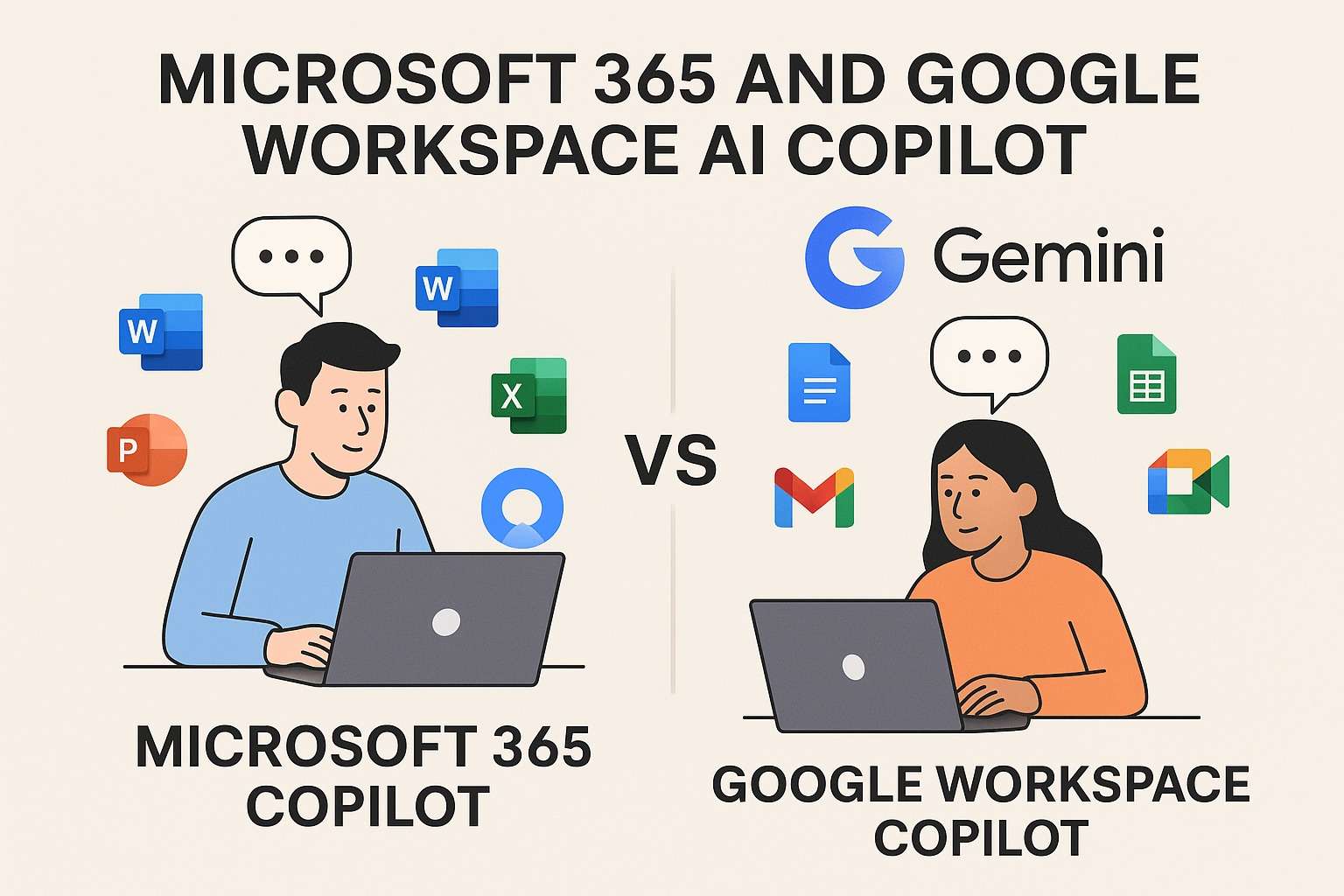
Both Microsoft 365 Copilot and Google Workspace Gemini (one could also call its Copilot) redefine digital productivity in a somewhat different way. Microsoft 365 copilot has extensive desktop applications such as Word, Excel, Outlook, and PowerPoint. It focuses as an effective in-app assistant capable of producing content, analyzing data, summarizing meetings, and so far, even drawing up complicated documents out of nothing. It is as though you are dealing with a person who has been doing what you wanted to do even before you had entered the last few letters of your typing program.Google, in its turn, with its Copilot rebranded this year to Gemini, is more focused on cloud swings. It is embedded in such tools as Google Docs, Gmail, Sheets and Meet. Its power is in its capacity to strengthen teamwork and provide the AI-based writing and summarizing assistance in a convenient manner. AI copilot features in Google Docs allow for real-time improvements and text suggestions. Google has also androided to a clean minimalistic look that enables users to work with an optimum speed without much noise.
Both are powerful and target a part of the audience differently, based on your workflow. Microsoft 365 copilot vs Google workspace copilot shows Microsoft is more enterprise-focused, whereas Google targets teams and creators that are free-flowing and cloud-based.
Main Techniques of AI Copilots
The functionalities provided by these AI copilots are simply game-changers. In Microsoft Word, you can simply say, that you want the Copilot to write a whole report on the basis of only a couple of bullet points. It has the ability to rephrase written words, advise in writing and make sure that you are using the right tone at the right moment. Not only does it assist you in formulas in Excel, it examines your data and lets you know what is of priority. Fancy a complete presentation? When you need to use AI copilot to write PowerPoint presentations, PowerPoint Copilot can do it within minutes.Gemini within the Google Workspace is a little chatty. With Google docs, it will help you edit your writing, summarize long text in a paragraph, and even produce some brainstorming. Google Workspace AI copilot features explained include assistance with structure, spelling, tone, and even format. In Gmail, it assists you in composing emails in your own, quicker and efficient way. The users of Sheets have a Google Sheets AI copilot review showing a smart formula suggestion and real-time data insight, which would take somewhere hours to understand.
Within each of those platforms, Copilots are a genuinely smart collaborator: they can steer your hand, but they do not want to take away your voice.
Advantages of AI Copilots to Office Productivity
Among the most obvious benefits of AI copilots for office productivity, there is a tremendous increase in productivity. Just consider saving half or more of the time on email, reports or presentations. These tools will assist you in removing the repetitive activities and will provide the opportunity to think creatively and make smart decisions rather than working as a hand.The actual beauty is the flow of your work with the help of these AI copilots. No more tabbing back and forth to do research in a subject or refresh a formula. No matter whether you need a summary of a meeting, write, or analyze numbers, the AI has it all figured out and quickly provides the results within a few seconds. It improves not only your efficiency but also quality of the work as mistakes are identified, remedies are proposed and useful comments are given which a person would find it difficult to give himself. This is how you start seeing productivity gains from AI copilot in Word and beyond.
Putting in place and assembly
It is not very hard to set up these copilots, but one has to have the correct subscriptions. Microsoft 365 copilot setup guide is usually done by purchasing the correct license, navigating to the admin settings and assigning it to the users in your organization. When it is turned on, you will find the Copilot logo in apps such as Word, Excel, or Teams. At that point, it is transformed into the part of what you do and what you get (it is always at hand when you need it).The installation is also not glitchy with Google Workspace. As an admin, it is possible to turn on the Google Workspace AI copilot tutorial through the Google Admin Console. After this is done, users begin to notice AI support options when they use Docs, Sheets, Gmail, and other apps. The Copilot integrates into your current workflow perfectly and this is handy to teams that are already accustomed to the cloud.
Prices and Licensing
AI copilot cost for Microsoft 365 as a product has been placed at the higher end of the cost scale. It is retailing at 30 dollars per month per user on top of the normal Microsoft 365 subscription. This may appear to be a lot, yet in the case of organizations that largely depend on such tools, the cost per productivity is normally justified.Gemini is more liberal on Google. Depending on your plan, it has AI features at a slightly reduced price. AI copilot pricing Google Workspace applies to a variety of Workspace levels, Gemini will become partially free of charge to many users. This makes it more available to individual work, teachers and small groups.
AI copilot licensing for Microsoft 365 and Gemini licensing models are in the development stage, thus it is better to look at the latest news on licensing directly at the Microsoft or Google sites, in case you are going to implement one of the platforms in your organization.
Security/ Administration
Naturally, the conversation about AI in enterprise tools cannot be fulfilled without touching the issue of security. This has not been taken lightly by both Microsoft and Google. They offer end-to-end encryption means, adhere to international standards of compliance, such as GDPR and HIPAA, and enable admins to manage access and permissions. The AI copilots also have built-in data boundaries, i.e. they do not train on your personal material unless you give your express permission.But like any other high technology there are concerns. The organizations need to perform appropriate training, establish effective policies of usage, and audit how AI uses sensitive information frequently. AI copilot deployment challenges for IT admins must be addressed carefully. The process of deployment should be conducted and controlled in a way that IT administrators do not accidentally expose or misuse any data. These are valid AI copilot security concerns and explain how secure are AI copilots in enterprise software.
Best practices, and Practical application
The best and the smartest way to make the best out of these AI Copilots is to handle them as partners rather than substitutes. Make them a drafting shortcut, an insight-discovering tool or turn on formatting automation, but sprinkle with your human touch last. This is to make the content to be natural and within your voice. This represents best practices for using AI copilots in Teams and other collaboration environments.The Copilots can be utilized to take meeting notes along with highlighting important points, and forwarding summaries back to the group in Teams or Google Meet. When working with a huge collaborative text, the copilots can assist in getting all the people on the same page, sorting out the comments, and organizing the final draft easily. This demonstrates the AI copilot for document collaboration overview.
The better you start using these tools, the more instinctive they will be. The secret lies in trying it out, observing what they master best, and creating them to become your daily routines. Once you integrate AI copilot with SharePoint or Google Drive, you'll also see better document workflow. You can follow the Google Drive AI copilot integration tutorial for step-by-step setup.
The AI Copilot Future of Work
It is not simply a trend: AI copilots become the basis of workplace transformation. Hours of time will no longer be wasted on writing documents by hand, now, it will be essential to direct the AI, check its results, and take strategic decisions. This transforms the occupant of the workplace, formerly a doer, to a director. That’s the true future of work with AI copilots.The AI copilots are going to get smarter in the future. These include voice commands, predictive project planning, cross-app workflow, and customized recommendations only to mention a few. Such tools will probably become more adaptive and dialogal, as they will more closely resemble actual team members and not only assistants. As we look ahead, we see how AI copilots transform modern workplaces.
It is not an evolution that is about substituting jobs; it is an evolution that is a change in jobs to become good.
The emergence of the AI copilots is becoming a new digital era in platforms such as Microsoft 365 and Google Workspace. Never mind which powerful tools that Microsoft and Google have prepared in their offerings, these smart assistants can boost your productivity and turn the world into a better place. They do the grunt work so that you can do your creative, strategic and human sides. The improved social interaction of these two categories is now observed, and we may expect even more cooperation in the future, more accurate communication, and innovation to become a daily routine. This is all possible when you know how to use Microsoft 365 AI copilot or discover the best AI copilot for Google Workspace and compare Microsoft Copilot vs Gemini in Workspace.